How to Recover Sent Crypto to Wrong Network on Binance
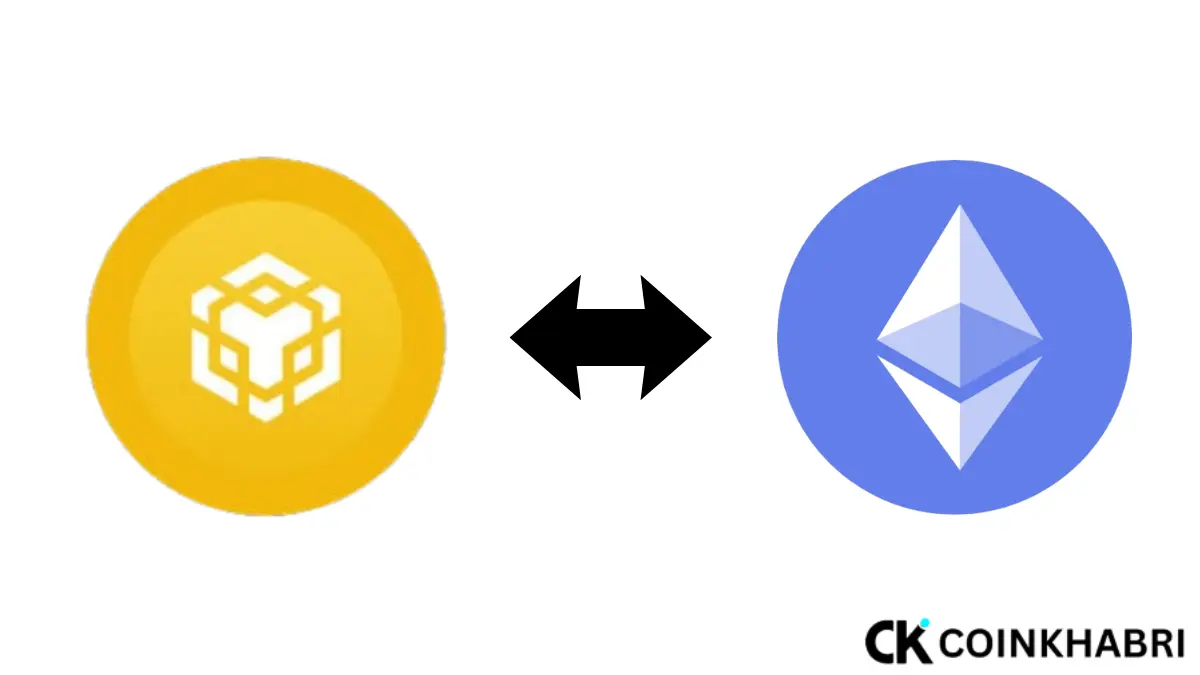
If you have accidentally sent crypto to wrong network on Binance or any other exchange, how can you recover it? For example, sending USDT to an ERC20 address using the BEP20 network, or vice versa.
So, don’t panic. You can easily recover sent crypto to wrong network on Binance, provided you follow the right method at the right time.
In today’s guide, I am going to explain how to recover sent crypto to wrong network on Binance, how to avoid this in the future, and much more. Get ready to learn!
What is the Difference Between BEP20 vs ERC20?
First, let’s understand BEP20 vs. ERC20 because people often think they are the same network and then end up sending crypto to the wrong address, which makes them panic later.
ERC20
ERC20 is an Ethereum-based blockchain transaction that uses very high gas fees for transactions, offers fast transactions, and has very good security.
BEP20
It is built on the BNB coin blockchain, which is Binance’s own coin. Its transaction speed is also fast, and its gas fees are much lower compared to ERC20.
The names of both wallets look similar, which is why people make wrong transactions. For example, if you are depositing via on-chain on OKX, you copied the OKX wallet address but did not select the chain.
Because of this, when you paste the address in Binance and click withdraw, the blockchain cannot read the address, which results in a wrong transaction on the wrong network.
Otherwise, if you want to know the exact right way to do an on-chain transaction from Binance to any other exchange, our guide explains the correct method here: How to Transfer USDT from Binance to Bybit or OKX 2026.
What Happens After Sent Crypto to Wrong Network on Binance?
If you sent crypto to the wrong network on Binance, two scenarios can happen with you:
- Funds sent to Binance’s own wallet address (but the wrong network was selected):In this case, the chance of recovery is very high because Binance internally supports that network.
- Funds sent to a third-party wallet (MetaMask, Trust Wallet) that does not support that wrong network at all.
In this case, recovery is difficult or sometimes impossible because the private key does not even exist for that chain.
Therefore, the very first step is to check which address the funds went to—your own Binance wallet or an external/self-custody wallet.
Step-by-Step: Recover Sent Crypto to Wrong Network on Binance
Now I am going to tell you the step-by-step method if you want to recover sent crypto to wrong network on Binance. as explained below.
Step 1 — Save the Transaction Hash (TxID)
First, copy the Transaction ID (TxID/Hash) from your sending wallet. This will be necessary to provide to Binance support. You will find this in your wallet history or explorer (such as BscScan or Etherscan).
Step 2 — Confirm Where the Funds Went
Paste your wallet address into the explorer to check that the transaction has been confirmed and the funds have reached the destination address.
Step 3 — Contact Binance Customer Support
Open the Binance app and:
- Go to the Customer Service section
- Select the “Wrong Network / Deposit Recovery” category
- Clearly write the TxID, sending network, receiving network, and amount
- Attach a screenshot (from the transaction explorer)
Step 4 — Submit the Recovery Request Form
In some cases, Binance provides you with a dedicated “Crypto Recovery” form where you manually submit your request. It is important to write every field accurately and clearly in this form—any mismatch can delay the process.
Step 5 — Pay the Recovery Fee
Binance does not provide this service for free. Depending on the network and amount, a fixed recovery fee is charged, which is deducted beforehand. The fee structure varies according to the network and coin, so proceed only after confirming with the support team.
Step 6 — Wait Time
The recovery process usually takes 5 to 20 working days, depending on network congestion and manual verification. Do not update the ticket repeatedly during this time—this can slow down the process.
In Which Cases is Recovery of Crypto Sent to a Wrong Address Not Possible?
- If the destination address belongs to another exchange where you do not have an account
- If the destination wallet is on a completely unsupported chain (such as sending an Ethereum token to a Solana address)
- If the transaction went to a smart contract address that locks the funds
- If you lost the transaction hash itself and cannot verify it from the explorer
In these cases, the chance of recovery becomes very low or zero—therefore, always save the evidence immediately.
How to Prevent This Mistake in the Future — Precaution Tips
- Double-check the network before every withdrawal, especially when sending multi-chain tokens like USDT/USDC.
- Send a test transaction for the first time to any new address—just a small amount of $1-2.
- Always copy and paste the address, do not type it manually.
Is This Different From a Scam?
It is important to understand that a wrong network transaction and a scam are two different things. In a wrong network transaction, funds exist on the blockchain but are on the wrong chain—which can be recovered through a technical process. In a scam, funds go directly to a fraudulent party.
Often, people fall victim to scams in the name of wrong network recovery as well—some people on Telegram or WhatsApp pretend to be “Binance Recovery Agents” and ask for an advance fee. Remember: Binance never asks for a recovery fee via DM or third-party apps—the process is only done through the official app/website. Be sure to check this guide to identify fake support accounts: Crypto Phishing Scams & Fake Support Accounts – 6 Hidden Scam Signs.
Conclusion
Sending crypto to the wrong network is a costly but fixable mistake—provided you use the correct method, with the right documents, through official Binance support channels. Have patience, stay away from fake recovery agents, and always make a habit of double-checking the network in future transactions.