Buyer Claims Paid But You Didn’t Receive Funds? (2026 Fix)
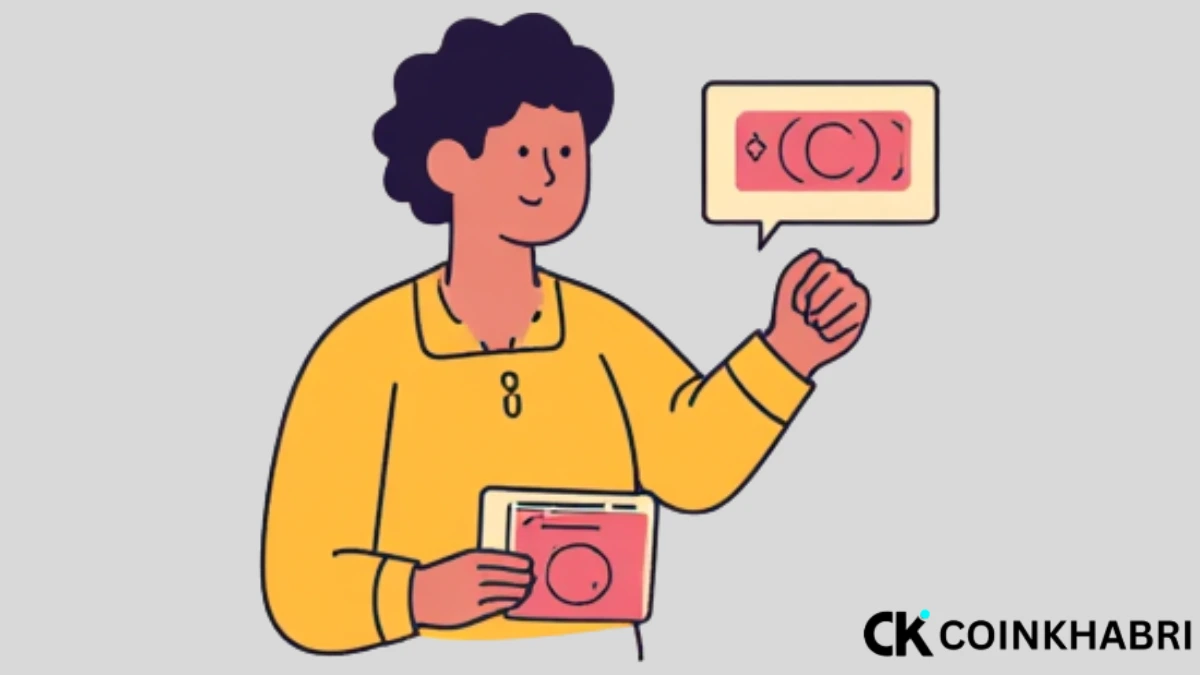
If you are doing P2P trading and you haven’t received even a single rupee in your Easypaisa, JazzCash, or bank account, but the counterparty clicked on “Transfer, notify seller,” do not panic.
Until you click the release button, your money is safe and cannot go anywhere. Even if a Buyer Claims Paid But You Didn’t Receive Funds, there is no need to worry because until you click release, Binance holds the buyer’s funds in its escrow.
This means that if the buyer genuinely did not send money to your bank account, Easypaisa, or JazzCash, those funds will be returned to you, and the counterparty’s account will come under risk in Binance’s view.
This guide will give you the exact step-by-step process of what to do if a Buyer Claims Paid But You Didn’t Receive Funds, explaining everything in detail.
First of All: Never Do These 3 Things
- Do not click the crypto release button until the payment actually arrives in your official bank app, Easypaisa, or JazzCash.
- Do not get emotional and give abuse or threats, because later when you file an appeal, Binance support reads your chat as proof.
- Do not cancel the order from your side until the issue is resolved, because canceling the order might remove the appeal option.
Step 1: Ask the Buyer for Payment Proof in Chat
First of all, you need to go to the chat and ask the Binance P2P buyer if they have sent the money.
If the buyer says they have sent it, then you should ask them to send a screenshot of the payment, or send the transaction ID/reference number generated while making the payment, and the number from which they made the payment.
Well, make sure to ensure one thing: did the payment come from the exact name that was mentioned on the ad, and from the number that was mentioned on the ad?
If this is not the case, according to Binance rules, you and the counterparty must send or receive payments only in the bank account or Easypaisa matching the name on your Binance account. If you do not do this, Binance will hold responsible the person who sent or requested the payment in the wrong account.
Step 2: Check Your Bank/Wallet Account Yourself
When the user sends you the screenshot, you must go to your official bank app and check the transaction history to see if the payment actually arrived from the same name that was the counterparty’s name on Binance P2P.
And is it the same number that was mentioned there? Is the transaction id the same? You must check everything. If everything is correct, then click the “I have paid” button.
If this is not the case, and the buyer sent a screenshot in the chat box but you did not receive the payment, you need to wait. Sometimes, due to a network error, it can take a little time.
You need to go to your app again and refresh to check. If the payment has arrived, it’s fine; if it hasn’t, wait.
When you have been waiting for 15 minutes to 30 minutes, understand that the screenshot sent by the buyer was created from some fake mod .apk site, and after that, move on to the next step.
Step 3: File an Appeal — Select the Right Reason
You need to go to the order page where you will see the appeal button. Click on it, and many options will appear in front of you. You have to click on “Buyer marked as paid, but I (seller) have not received the payment,” and explain your whole situation in the text box there.
And along with that, go to your transaction history, take a screenshot, and put it in the appeal as proof, and you also need to take a screenshot of the buyer’s chat and send it to Binance support.
When you do all of this, Binance’s support team will contact you and announce their decision after properly checking all the evidence. If you want to know the best way on how to win a P2P appeal on Binance and what the right method is for mobile and desktop, check out this guide How to File a Binance P2P Appeal? Step-by-Step Guide 2026.
Step 4: Reply to Binance Support’s Questions on Time
When you file an appeal and Binance contacts you, asking for a screenshot, you must provide everything on time.
If you remain silent, Binance’s support team will think that you have received the payment, and therefore Binance will announce its decision.
How Much Time Does It Take?
When you file an appeal, the question comes to your mind how much time it can take for the appeal issue to be resolved. Usually, in most cases, the appeal decision comes within 1 to 2 hours.
However, Binance first contacts both parties, asks for proof, and this can also take 1 to 3 business days, and in very rare cases, until the issue is resolved, this case keeps running.
The Consequence of Making False Appeals
Whenever money comes to you and you tell the counterparty that it hasn’t arrived and you open an appeal yourself, this is wrong, because if the counterparty provides completely correct evidence to Binance support, your account can be restricted or permanently banned.
Therefore, always open an appeal when a scam has genuinely happened to you, because there is a saying that truth always wins.
How to Avoid This in the Future
- Only trade with verified and high-completion-rate buyers (100+ orders, 95%+ positive rating).
- In your ad, only write the bank account number that you can check actively.
- Never shift the trade outside of Binance (WhatsApp/Telegram) on the buyer’s request — this is a red flag in itself.
If you want to do P2P trading in the exact right way and know how to do P2P trading without getting your account frozen or becoming a victim of a scam, read our this guide Binance to Transfer JazzCash/Easypaisa via P2P: 2026 Guide.
Conclusion
When a Buyer Claims Paid But You Didn’t Receive Funds, there is something to panic about, but when you know the right method, no one can scam you because your funds are in escrow before being released. Therefore, always educate yourself and others too so that no one falls victim to a scam.