How to Withdraw Blum, Major, & PocketFi Tokens in Easypaisa
If you earn from Telegram airdrops in Pakistan and wonder how to withdraw Blum, Major, & PocketFi tokens in Easypaisa and JazzCash in Pakistan, this guide is perfect for you.
In this guide, I will show you step by step how to withdraw Blum, Major, & PocketFi tokens in Easypaisa and JazzCash in Pakistan, and I will share many things you might not have known before.
Before moving forward with the guide, know this: ever since airdrops like Hamster Kombat or TapSwap appeared, many people in Pakistan have been earning from airdrops, but they often do not know how to convert their airdrop tokens into local currency.
And remember one thing: whether it is Blum, Major, PocketFi, or any other airdrop token, you cannot bring them directly into your Easypaisa or JazzCash. There is a complete process through which these airdrop tokens reach your Easypaisa or JazzCash.
How Airdrop Tokens Work
Any airdrop token, such as Blum, Major, or PocketFi, is built on a blockchain called the TON blockchain, which is created by large companies. Only when this airdrop token is listed on an exchange can you transfer it to your local bank, such as Easypaisa or JazzCash.
How to Withdraw Blum, Major, & PocketFi Tokens in Easypaisa/Jazz Cash
Now let’s talk about how to withdraw Blum, Major, & PocketFi tokens in Easypaisa and JazzCash in Pakistan account once they are listed on a centralized exchange like Binance or MEXC.
Step 1: Transfer Your Airdrop Tokens to The TON/Gram Wallet
When you see that the Blum, Major, or PocketFi airdrop has been listed on an exchange, a withdraw section will appear at the bottom or top of your airdrop dashboard. You need to click on it.
When you click there, an option to connect the TON/Gram wallet will appear. You have to click on it and connect your TON/Gram wallet.
Important point: In 2026, the name of the TON wallet has changed to Gram wallet.
The TON/Gram wallet is Telegram’s official wallet, which is why the Telegram account you are already using automatically creates your TON/Gram wallet, and it is very easy to use.
Step 2: Add Gas Fees to Your TON/Gram Wallet
Once your airdrop like Blum, Major, and PocketFi tokens successfully start showing up in your TON/Gram wallet, you need to add a little bit of gas fees to it.
You can also send this gas fee from any centralized exchange because gas fees are necessary to withdraw any airdrop like Blum, Major, and PocketFi token to a centralized exchange.
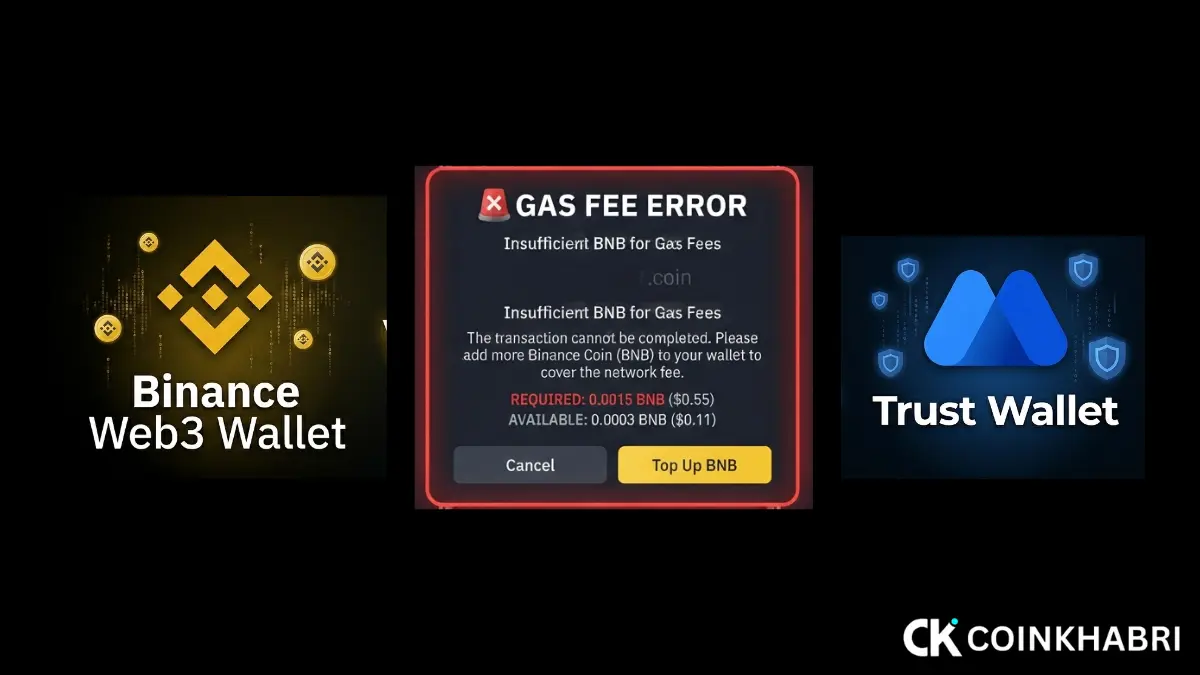
If you are getting a gas fee error, check our guide on how to solve this How to Fix “Insufficient Gas Fee” Error (2026 Guide).
Step 3: Withdraw Tokens From Your TON/Gram Wallet to a CEX Exchange
Once you add the gas fees, you need to click on that Blum, Major, and PocketFi token and click on withdraw.
When you click withdraw, an option to enter an address will appear in front of you. Now you have to enter the deposit address of the exchange.
You need to go to the centralized exchange you are using—like Binance, MEXC, or KuCoin—and type the name of the airdrop like Blum, Major, and PocketFi token in the search box.
Then that token will appear in front of you. Click on it, and you will find an address there. Copy it.
Important point: Copy the address correctly because if even a single letter is missed, your Blum, Major, and PocketFi tokens could be lost, and you will get nothing.
Once you copy the address and paste it into your TON/Gram wallet, click the withdraw button below.
Step 4: Wait For The Withdrawal to Process
After doing this, you have to wait for at least 5 to 10 minutes because it takes a little time to transfer tokens from the TON/Gram wallet.
Once your Blum, Major, and PocketFi tokens arrive in the centralized exchange (CEX), follow the next step below.
Step 5: Convert Your Tokens On The Exchange
Once the Blum, Major, and PocketFi tokens start showing up in your exchange, you just need to follow a few more simple steps to transfer them to Easypaisa or JazzCash.
First, you need to convert those Blum, Major, and PocketFi tokens into USDT. Type “convert” in the search box of your exchange. When you do that, the option to convert will appear in front of you.
You need to select your Blum, Major, or PocketFi token there, select USDT below it, and click convert.
Step 6: Withdraw to Easypaisa And JazzCash After Conversion
Once your Blum, Major, and PocketFi tokens are successfully converted, you need to transfer them to your Easypaisa or JazzCash. You will do this using P2P trading.
If you do not know how to do P2P trading, check our guide. It explains in complete detail and in a safe way Binance to Transfer JazzCash/Easypaisa via P2P: 2026 Guide.
Bonus Tip
However, if you want to withdraw these Blum, Major, and PocketFi airdrop tokens without listing them on any exchange, our guide explains how to do this—check it out How to Safely Sell Airdrop Tokens on DEX Before Exchange Listing (2026 Guide).
If you also want to withdraw Hamster Kombat and Blum directly to Easypaisa or JazzCash, check our guide.
An Honest Opinion on Airdrops
If I tell you the honest truth about airdrops, I would tell you not to waste your time on them.
I am saying this because you cannot earn as much from airdrops by working day and night as you can by learning a good skill and earning from it.
Because in this, even if you work hard for the entire month with difficulty, you can only earn a maximum of up to 100$, and that too only if you have a good number of referrals.
And out of those, more than half of the airdrops are fake and do not give you a withdrawal. Out of 100, 50 percent of airdrops are real and 50 percent are fake, so when you keep working hard and later do not get a withdrawal, your hard work and time both will go to waste.
That is why learn some skill so that you can earn and get good results in the long run.
Conclusion
Bringing Telegram-based token withdraw Blum, Major, and PocketFi tokens in Easypaisa & JazzCash in Pakistan is not a difficult task—provided you follow the correct steps: transferring the tokens to the exchange, selling them for USDT, and then withdrawing to Easypaisa through a trusted merchant using P2P.